The Sacred Timeline: Git and GitHub
By Zidane Innis

- Posted in:
- | Computer Science
- | Web Development
- | Software Development
November 13, 2023
Share to:
"Change is an essential part of the chaos." - Loki
When watching entertainment, listening to some media or just talking to people of different backgrounds and experiences, its really amazing to discover the connections and parallels between topics of fields you are studying.
In the Marvel series 'Loki', the TVA (Time Variance Authority) meticulously maintains the Sacred Timeline, akin to how developers use Git and GitHub to manage the lifeline of their code. This blog delves into the synergies between 'Loki' and these essential tools in software development, offering a unique lens to understand Git commands, GitHub features, and best practices.
What we'll cover:
- Sacred Timeline vs. Main Branch
- Variants and Branches
- Time Variance Authority (TVA) and GitHub
- Reset Charges and Merging/Pull Requests
- Multiverse of Madness - Handling Merge Conflicts
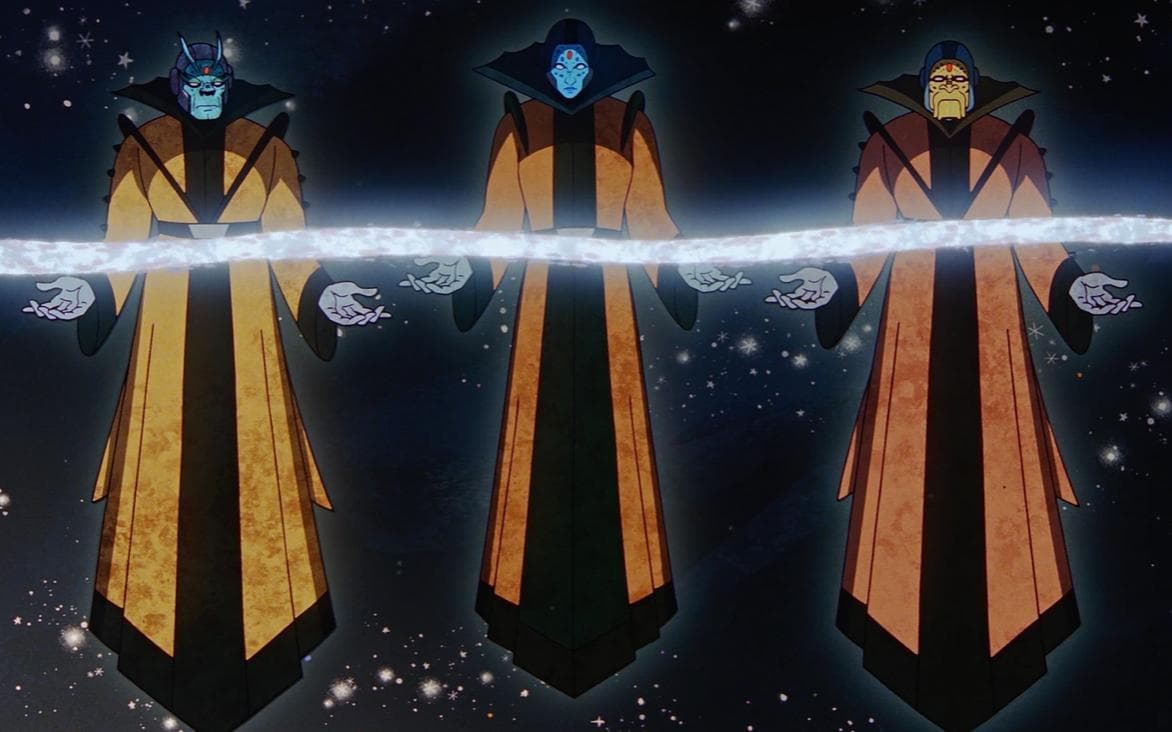
- Time-Keepers and Project Maintainers
Sacred Timeline vs. Main Branch

The Sacred Timeline in 'Loki' mirrors the 'main branch' in Git - the primary artery of your project. Here, the Git command "git branch" creates new branches, while "git checkout" switches between them, similar to navigating different realities. The "git merge" command integrates these branches back to the main, ensuring that the core timeline remains cohesive and robust.
Variants and Branches

In 'Loki', variants emerge from the Sacred Timeline, each with unique characteristics. In Git, this is represented by branching. The command "git branch <branch_name>" creates a new pathway for features or fixes, allowing for parallel development. These branches can be seen as safe testing grounds, where new ideas are nurtured before they join the main storyline.
Time Variance Authority (TVA) and GitHub

The TVA in 'Loki' is a central authority overseeing time; GitHub serves a similar role for code. It's where branches are monitored and managed. Features like Pull Requests (PRs), Issues, and Actions provide a platform for collaborative review and integration. The PR process, initiated with "git push" and managed on GitHub, resembles the TVA’s meticulous scrutiny of timeline deviations.
Reset Charges and Merging/Pull Requests

Reset charges in 'Loki' correct timeline deviations. In Git, merging branches with "git merge" and managing PRs on GitHub serve a similar purpose. They ensure that changes are compatible with the main branch. The command "git pull" updates your local repository, akin to realigning with the Sacred Timeline. It’s crucial for maintaining harmony and preventing divergences from causing chaos.
Multiverse of Madness - Handling Merge Conflicts

The potential for a chaotic multiverse in 'Loki' is akin to merge conflicts in Git. These occur when changes in different branches clash. Resolving these conflicts is crucial. Use "git status" to identify problems and manually resolve the conflicts in your code editor. After resolving, use "git add" to stage the changes and "git commit" to finalize the resolution, restoring order to your project's universe.
Time-Keepers and Project Maintainers
The enigmatic Time-Keepers in 'Loki' oversee the flow of events, much like project maintainers in Git/GitHub. They review PRs, guide project direction, and make critical decisions using commands like "git commit", "git push", and merging PRs on GitHub. Their role is pivotal in ensuring that each contribution aligns with the project’s ultimate vision.
